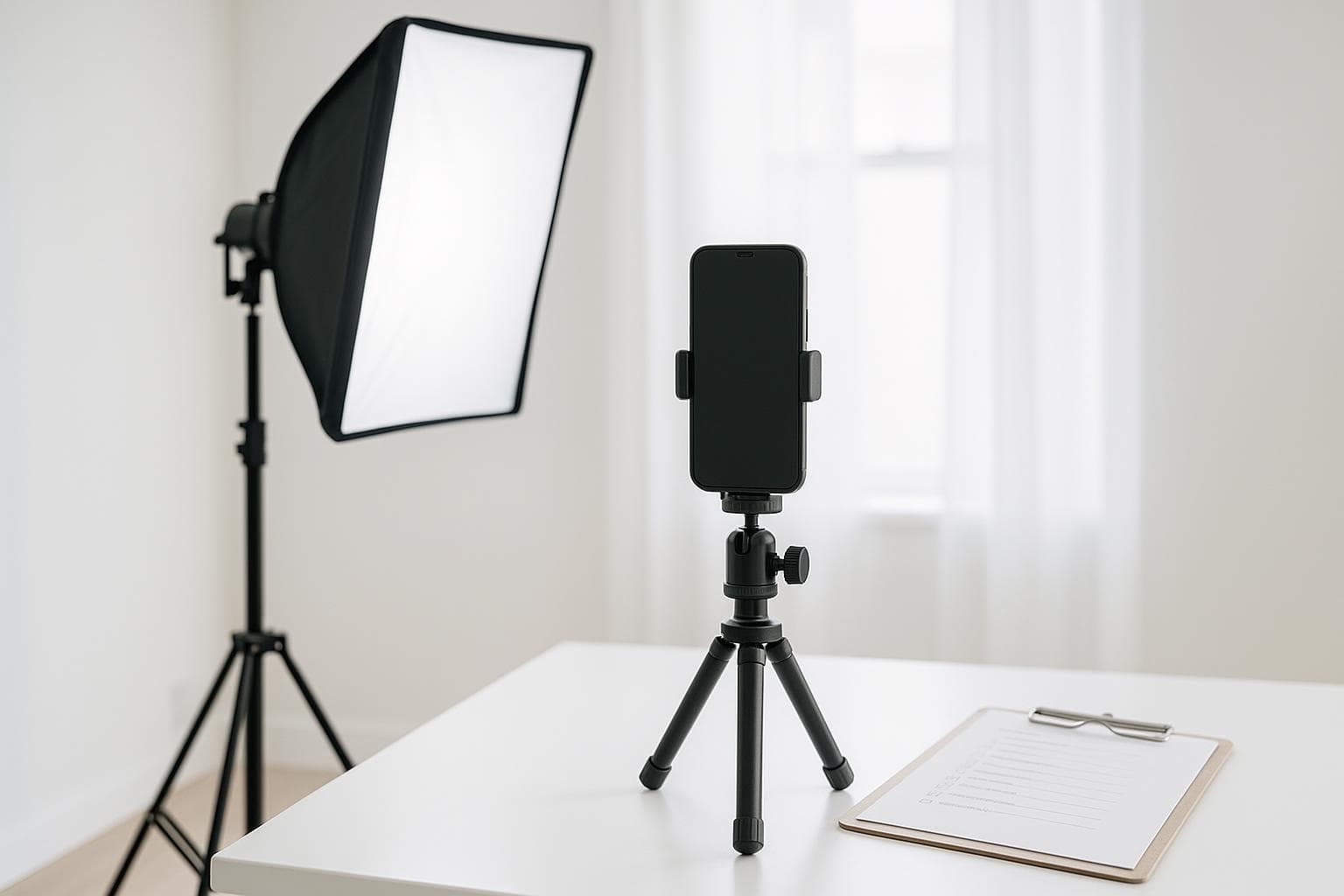
Casting directors watch hundreds of tapes per role, and most get a decision in the first ten seconds. The acting matters most — but a sloppy tape can bury a great read. Run this checklist before every submission and the technical side will never cost you a callback.
1. Before you set up
- Read the instructions twice. Framing, slate format, file naming, deadline — casting notes override everything on this list.
- Print or load your sides early. Give yourself time to actually learn the lines, not just recognize them.
- Choose your reader. A calm human off-camera is great; if nobody's available at 11 p.m., an AI reader keeps your timing honest.
2. Framing and background
- Frame from mid-chest up, eyes roughly a third from the top of the frame.
- Shoot horizontal unless the breakdown says otherwise.
- Use a plain, uncluttered background — a neutral wall beats a busy bookshelf. Slight contrast with your outfit helps you pop.
- Don't stand against the wall. Step two or three feet forward to avoid harsh shadows and flat depth.
3. Lighting and audio
- Light from the front, never overhead or behind. Two soft sources at 45° is the classic setup; one window plus a lamp works in a pinch.
- Kill background noise. Fridge, fan, traffic-side window — sound issues read as unprofessional faster than picture issues.
- Do a ten-second test clip and listen with headphones before running the whole scene.
4. The read itself
- Slate exactly as asked — usually name, height, location, role — and keep it warm but brief.
- Keep your eyeline just off-lens, on your reader's mouth or a mark beside the camera.
- Do a full take even if you stumble. Recovering in character often plays better than a restart, and you can always choose the cleaner take later.
5. Before you send
- Watch the whole tape once through — picture, sound, and file name.
- Export at the requested specs and keep a copy; roles get re-released more often than you'd think.
Counterpart handles the two hardest parts of taping alone: it reads every other role opposite you with natural voices and records your take at the same time, so you can concentrate on the scene instead of the setup. Download Counterpart for iOS and put this checklist to work tonight.