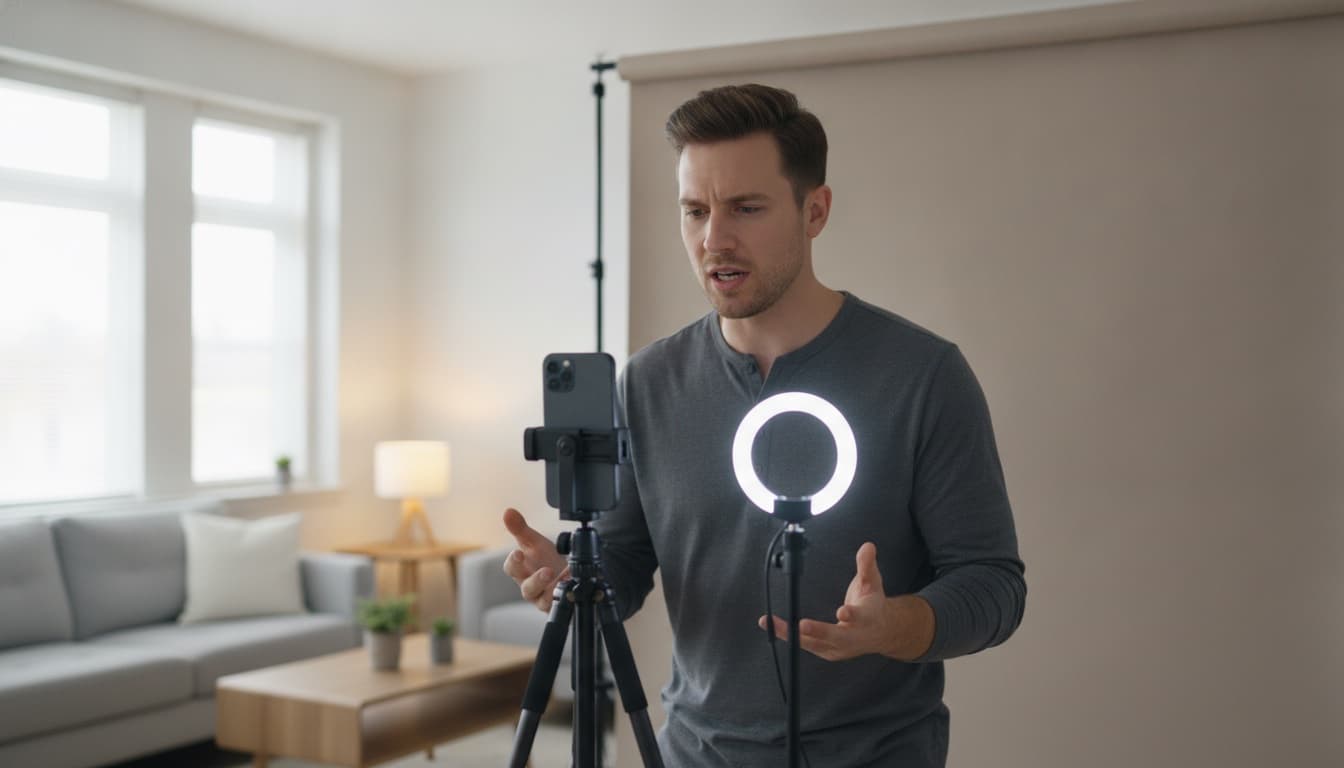
Self-tapes are now the front door of the industry, and the actors booking from them aren't the ones with the most gear — they're the ones who can turn a tape around fast without a second person in the room. That comes down to the self tape app stack you choose. Here's the setup that works, and where each piece matters.
The reader is the whole ballgame
Casting watches your listening as much as your lines, and a flat reader flattens you. The hardest part of taping alone has always been the other half of the conversation — which is why "who's going to read with me?" decides whether your tape happens tonight or this weekend.
This is the piece we built Counterpart for: import the sides, and it plays every other role with natural voices, waits for your cue, and responds when you speak. You control delivery and timing, take after take, until the tape is right. No favors, no scheduling, no reader fatigue on take nine. (We wrote a full guide to self-taping without a reader if you're new to it.)
If the casting notice demands a live human reader, services like WeAudition connect you to one over video for a per-session fee — worth it occasionally, overkill for the weekly grind. A third option: have a friend record the reader lines once through a Counterpart share link, then tape against their actual voice whenever you want, without them in the room.
Camera: the app you already have
Your phone's native camera app, 1080p, 24–30fps, rear lens if you can frame blind or have a monitor mirror. Fancy camera apps add control you won't use at a tape deadline. Spend the attention on the frame instead: eyeline just off-lens, headroom tight, background plain. Our self-tape checklist covers the full visual pass.
Audio: close beats expensive
The reader's voice should come from a speaker near the camera — not headphones, since casting needs to hear both sides of the scene on the tape. Phone speaker volume up, placed close to the lens, works; a small Bluetooth speaker next to the tripod is the cheap upgrade. Your own voice is captured best by simply killing room noise: soft surfaces in, appliances off, window closed.
Edit and delivery: keep it boring
Trim the head and tail, slate per the instructions, compress, send. CapCut or iMovie on the phone is plenty — if you're color-grading a self-tape, you're procrastinating. Name the file exactly how the casting notice asks. Upload early; every actor has a 11:58pm WeTransfer horror story.
The workflow, start to finish
- Sides arrive. Import the PDF into Counterpart — it splits the roles automatically.
- Run the scene eyes-up against the AI reader until the shape is in your body (not memorized yet — shaped).
- Flip to cue-only drilling to get off book. (The fast method.)
- Set the phone, frame, light, speaker by the lens.
- Tape three takes: one safe, one bold, one free. The reader never gets tired, so the third take costs nothing.
- Trim, slate, send, done.
An hour, no second human, no gear you don't own.
The bottom line
The best self tape app isn't one app — it's the stack that removes the reader problem, keeps the camera simple, and gets reps cheap. The reader problem is the one worth solving with real software.
Download Counterpart for iOS and never wait on a reader again.